
Step into the fascinating world of room 3D models, where imagination meets technology. These digital spaces allow architects, designers, and creators to transform ideas into immersive, lifelike visuals. From the first sketch to the final render, 3D modeling has become an essential tool for planning, designing, and presenting interior spaces with stunning accuracy.
Introduction to 3D Room Modeling
3D room modeling is the process of creating a digital version of a room using specialized software. It helps visualize layouts, lighting, and decor before any construction or redesign begins. This makes it an invaluable tool across multiple industries.
Who Uses 3D Room Models?
-
Architecture – Designing buildings and interior layouts.
-
Interior Design – Testing furniture placement, color palettes, and decor.
-
Real Estate – Offering virtual tours to potential buyers.
-
Furniture Design – Showcasing pieces in realistic room settings.
These applications save time, improve collaboration, and ensure more accurate project outcomes.
How 3D Room Models Are Created
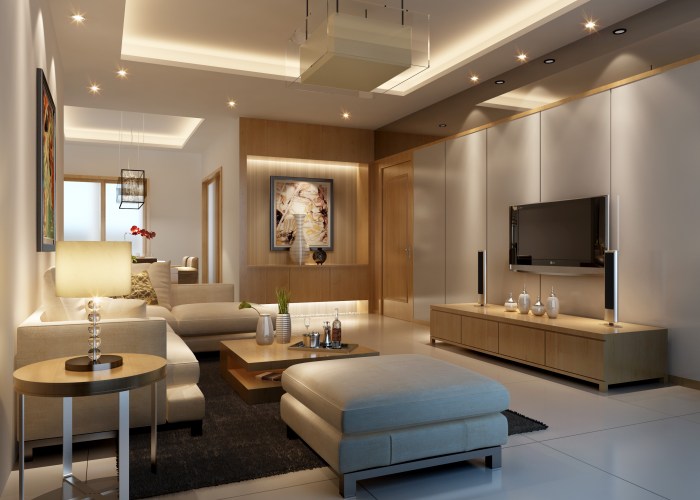
Creating a 3D model involves a step-by-step process, from setting up dimensions to adding the final details.
Popular 3D Modeling Software
-
SketchUp – Easy and beginner-friendly.
-
Blender – Free, open-source, and powerful.
-
Autodesk 3ds Max – Industry standard for high-end visuals.
-
Cinema 4D – Great for motion graphics and rendering.
The Process Step by Step
-
Define room dimensions and layout.
-
Build walls, floors, and ceilings.
-
Add doors, windows, and structural details.
-
Apply textures and materials.
-
Place furniture, lighting, and decor.
-
Adjust lighting and camera angles for presentation.
Tips for Better Results
-
Keep scaling accurate for realism.
-
Use high-quality textures for detail.
-
Experiment with lighting for atmosphere.
-
Try different camera angles for variety.
-
Optimize file size for smooth performance.
Texturing and Lighting
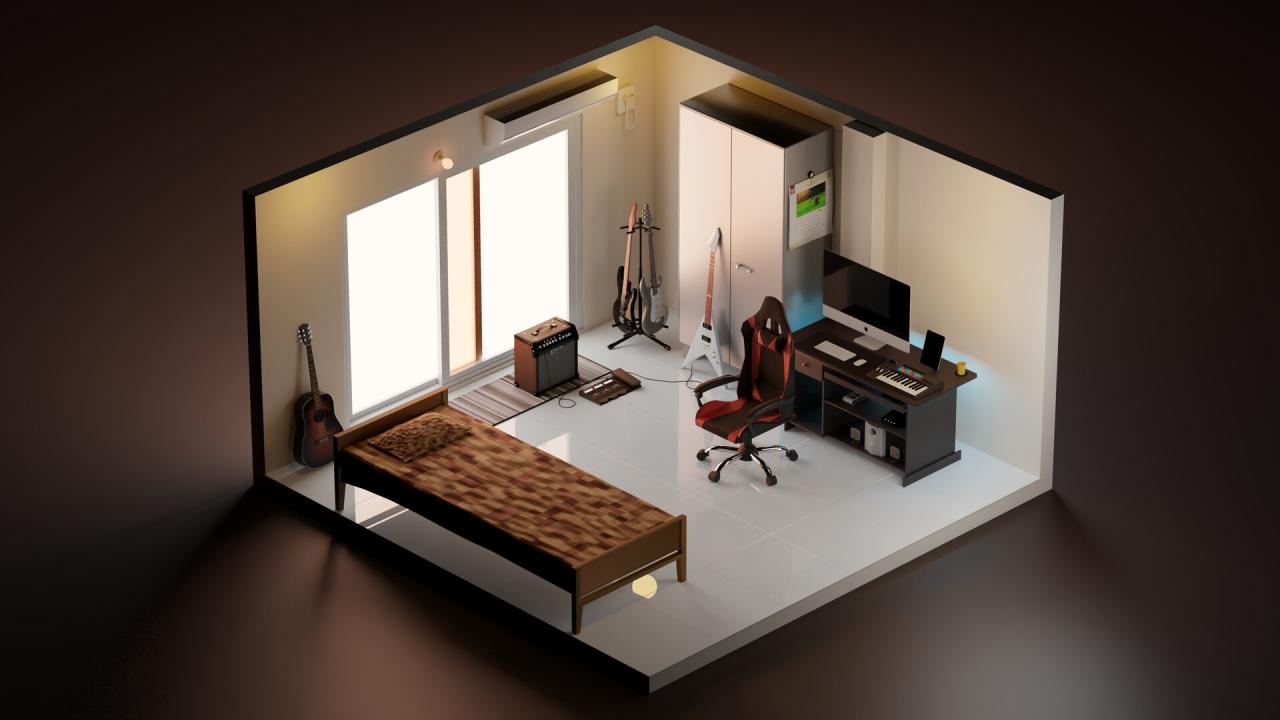
Textures and lighting are what make a 3D room feel alive.
Why Textures Matter
Textures bring out details like wood grain, fabric weaves, or stone finishes. Without them, models look flat and unrealistic.
Lighting Techniques
-
Ambient light – Creates general brightness.
-
Spotlights – Highlight specific areas.
-
Point lights – Mimic lamps or bulbs.
-
Area lights – Soft, natural illumination.
Pro Tips
-
Use bump or normal maps for surface depth.
-
Adjust light direction to create realistic shadows.
-
Match textures and lighting to the room’s mood.
-
Test multiple setups until balance feels natural.
Adding Furniture and Decor
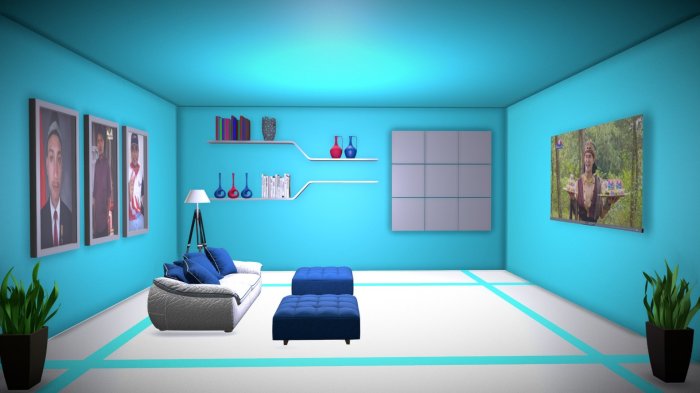
Furniture and decor transform a plain model into a realistic room.
How to Place Elements
-
Start with main furniture (sofas, beds, tables).
-
Add secondary items (rugs, shelves, lamps).
-
Finish with decor (plants, artwork, accessories).
Importance of Scale
Keeping everything in proportion ensures the room looks believable. Oversized or undersized items quickly break realism.
Style Examples
-
Mid-century modern – Sleek lines and retro charm.
-
Scandinavian – Light tones and natural materials.
-
Bohemian – Rich textures and eclectic accents.
-
Industrial – Raw finishes and metal details.
Rendering and Presentation
Rendering turns your 3D room into a finished image or animation.
Rendering Techniques
-
Ray Tracing – Highly realistic lighting and reflections.
-
Rasterization – Faster but less detailed.
-
Global Illumination – Adds natural indirect light.
Presentation Tips
-
Showcase multiple camera angles.
-
Add context (e.g., views outside windows).
-
Highlight standout features like statement furniture.
-
Provide 360° tours or VR walkthroughs for interactivity.
Conclusion
3D room models combine artistry and technology to create realistic, engaging spaces. They help designers plan, clients visualize, and industries innovate. As software and techniques evolve, the possibilities for virtual room design continue to expand—bridging the gap between imagination and reality.
FAQs
How important are 3D room models in design?
They provide realistic previews, saving time and reducing errors before construction.
What software is best for 3D room modeling?
Popular choices include SketchUp, Blender, 3ds Max, and Cinema 4D.
Why is texturing important?
It adds detail, depth, and realism to surfaces.
How does lighting affect 3D rooms?
Lighting sets mood, highlights design elements, and enhances realism.