
Virtual room designers are transforming how we approach interior design. These digital tools let you experiment with layouts, colors, and furniture in a realistic 3D environment—before making any real-world changes. Whether you’re a DIY enthusiast or a professional, virtual design opens up endless possibilities for creativity and precision.
What Are Virtual Room Designers?
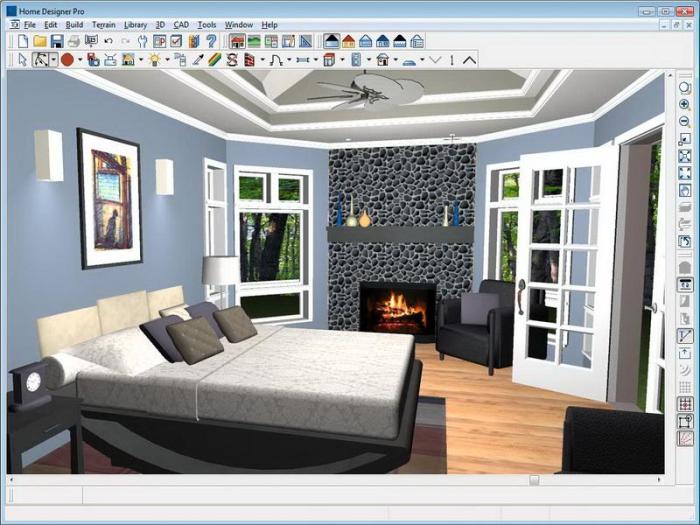
Virtual room designers are software applications that allow you to plan, customize, and preview spaces digitally. Instead of guessing how a piece of furniture or a new color will look, you can see it virtually first.
Benefits of Using Virtual Room Designers
-
Visualization – Preview your space in 3D before committing.
-
Cost Savings – Avoid expensive trial-and-error mistakes.
-
Time Efficiency – Make quick edits and try multiple layouts.
-
Better Communication – Designers and clients share the same visual reference.
-
Accessibility – Easy-to-use tools for beginners and professionals alike.
Key Features of Virtual Room Designers
These tools come packed with features that make designing fun and practical.
-
Customization – Change colors, textures, lighting, and furniture styles.
-
Drag & Drop Tools – Rearrange items with ease.
-
Measurement Tools – Ensure everything fits perfectly.
-
Material Libraries – Browse finishes, fabrics, and decor options.
-
Realistic Rendering – See lifelike previews of your room.
👉 Why it matters: Realistic rendering lets you make decisions confidently, ensuring the final design matches your vision.
How Virtual Room Designers Work
-
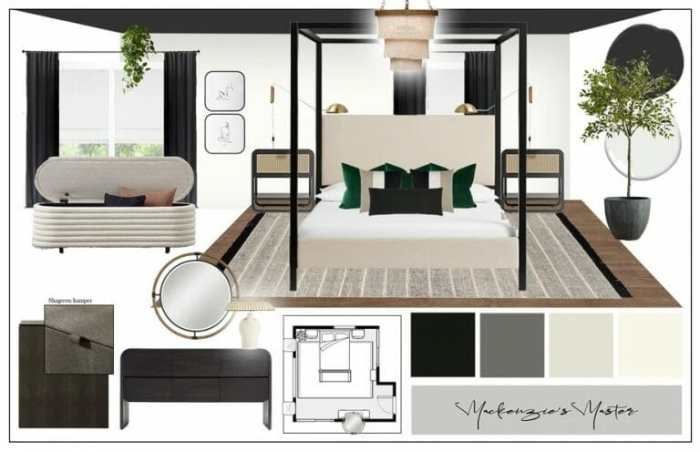
Input Room Dimensions – Add length, width, and height.
-
Set Layout Preferences – Place doors, windows, and structural features.
-
Add Furniture & Decor – Choose from preloaded libraries or import custom designs.
-
Experiment with Colors & Materials – Try different finishes to match your style.
-
Preview & Adjust – Use 3D views to finalize the design.
Comparing Popular Virtual Room Designers
With so many tools available, it’s worth comparing options.
-
Beginner-Friendly: Roomstyler, Planner 5D – simple drag-and-drop interfaces.
-
Professional Tools: Chief Architect, SketchUp Pro – advanced features but steeper learning curves.
-
Pricing Options:
-
Free or freemium (Roomstyler, HomeByMe).
-
Subscription-based (Planner 5D, HomeByMe Premium).
-
One-time purchase (SketchUp Pro).
-
👉 Tip: Choose based on your budget and whether you need basic planning or advanced design features.
Integrating Virtual Room Designers with AR & VR
Virtual design goes even further when combined with augmented reality (AR) and virtual reality (VR):
Benefits
-
Immersive Experience – Walk through your design virtually.
-
Better Decision-Making – See how designs fit your actual space.
-
Efficiency – Reduce the need for physical prototypes.
Challenges
-
Technical setup and cost of AR/VR integration.
-
Some users may find the tools overwhelming at first.
Real-World Examples
-
Furniture Retailers – Use AR to show how items look in customers’ homes.
-
Architectural Firms – Offer VR walkthroughs of buildings before construction.
Final Thoughts
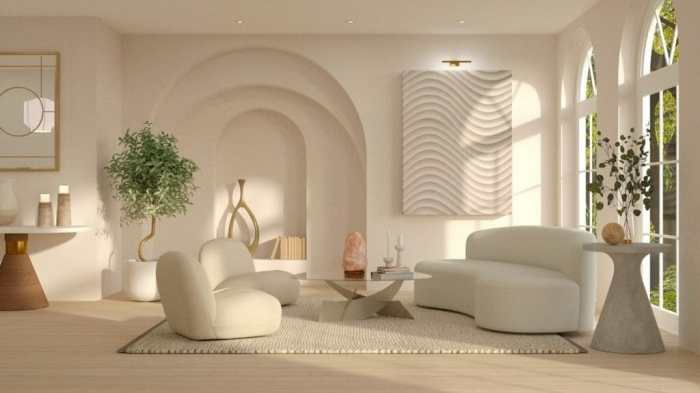
Virtual room designers are changing the way we create spaces. From customizable layouts to AR-enhanced walkthroughs, they provide a smarter, more interactive design experience. Whether you’re revamping a living room or designing for a client, these tools make the process faster, easier, and more inspiring.
👉 Embrace the future of design—and let your imagination shape your dream space.
Quick Q&A
Q: What makes virtual room designers better than traditional design methods?
A: They let you preview and customize your space in 3D, reducing guesswork and mistakes.
Q: Can they reflect real-life dimensions?
A: Yes—inputting accurate measurements ensures realistic layouts.
Q: Are they useful for professionals?
A: Absolutely. Many interior designers use them for presentations, client approval, and project planning.